BTC - Bitcoin
 USDTERC20 - USDT ERC20
 ETH - Ethereum
 BNB - Binance
 BCH - Bitcoin Cash
 DOGE - Dogecoin
 TRX - TRON
 USDTTRC20 - USD TRC20
 LTC - LiteCoin

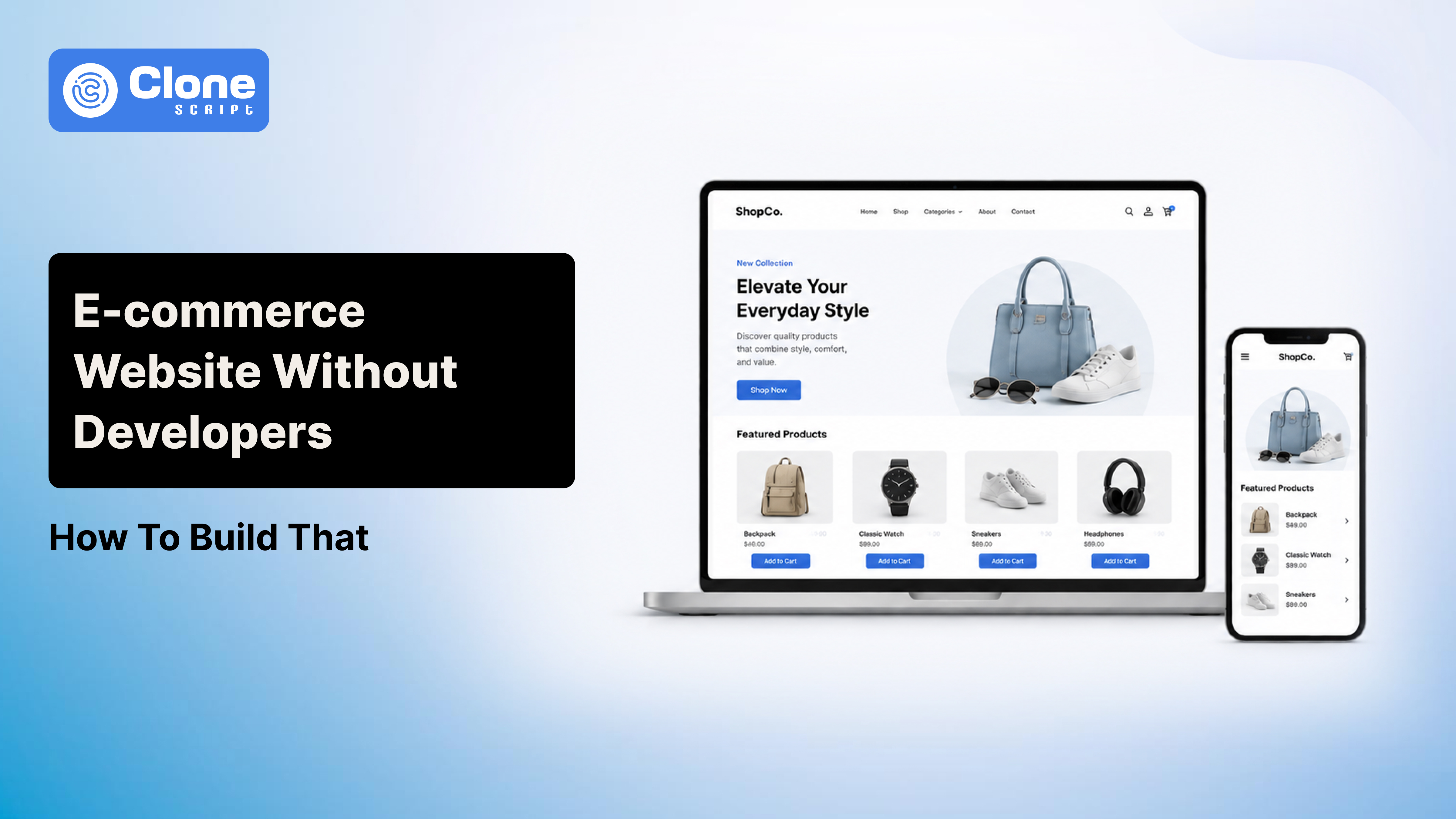
How to Build an E-commerce Website Without Developers
Launching an online store no longer requires hiring a developer, waiting through weeks of revisions, or spending thousands before your first sale.
The bigger question is: can you build an e-commerce website without developers?
It’s which route gets you to launch fastest without creating technical debt later?
In 2026, no-code and low-code platforms have matured enough that solo founders, small businesses, creators, and even traditional retailers can launch serious online stores themselves. But platform choice matters more than most guides admit.
Pick wrong, and you’ll rebuild in a year.
Pick right, and you can go live in a weekend.
This guide explains exactly how to build an e-commerce website, what it realistically costs, and which platforms make sense depending on your goals.
The current pricing examples of website builders are:
-
Wix Core (entry e-commerce): around $29/month annually
-
WordPress.com Commerce: around $45/month annually
-
Self-hosted WordPress: typically lower monthly infrastructure cost, but requires managing plugins, hosting, updates, and security yourself.
-
Webflow e-commerce: premium pricing depending on site + e-commerce configuration, generally positioned higher than beginner builders
That means the “cheap” option is not always the lowest total cost.
What You Actually Need to Launch an E-commerce Website
Before comparing tools, define the minimum viable store.
A functional e-commerce website requires:
-
Product catalog
You need product pages with:
-
Product images
-
Pricing
-
Variants (size, color, quantity)
-
SKU management
-
Inventory tracking
Without structured product management, scaling becomes painful quickly.
-
Payment processing
Your store needs a secure checkout that supports:
-
Credit/debit cards
-
Wallet payments
-
Region-specific methods (UPI in India, Klarna in Europe, etc.)
PCI compliance is non-negotiable.
Good builders abstract this complexity away.
-
Domain and hosting
Your business needs:
-
Custom domain
-
SSL certificate
-
Hosting infrastructure
-
CDN delivery
Modern builders bundle this.
Traditional WordPress setups usually separate these components.
-
Mobile optimization
More than half of e-commerce traffic globally comes from mobile devices.
If your checkout breaks on mobile, revenue disappears.
Responsive design is mandatory.
-
SEO structure
Search traffic remains one of the most cost-efficient acquisition channels.
You need:
-
Editable meta titles
-
Product schema support
-
Clean URLs
-
XML sitemaps
-
Canonical tags
-
Image optimization
This is where the WordPress and Wix SEO debate becomes relevant.
Best Ways to Build an E-commerce Website Without Developers
There are three realistic approaches.
Option 1: Website Builders (Fastest Route)
This option is best for when:
-
You have a small business
-
Starting a brand as a first-time founder
-
Recognized local sellers
-
Service businesses adding product sales
Website builder examples are:
-
Wix
-
Shopify
-
Squarespace
This is the easiest route.
You use drag-and-drop builders, templates, built-in hosting, and managed infrastructure.
Typical workflow:
-
Pick a template
-
Customize branding
-
Add products
-
Connect payments
-
Configure shipping
-
Launch
No plugin debugging.
No code deployment.
-
Wix for E-commerce
Wix has become far more capable than its early “simple website builder” reputation suggests.
Its current Core plan includes e-commerce functionality at about $29/month annually, with higher tiers adding advanced business features.
Wix Strengths:
-
Fast setup
-
Beginner-friendly editor
-
Built-in hosting
-
Native SEO controls
-
AI setup tools
-
App marketplace
Wix Weaknesses:
-
Less long-term flexibility than open platforms
-
Template migration limitations
-
Growing costs at higher tiers
Wix works well if speed matters more than maximum control.
-
Shopify
Although not in the classic Wix alternatives conversation, Shopify deserves mention because it remains the strongest e-commerce-first no-code platform.
Why?
Because Shopify was built for selling, not general website publishing.
That matters for:
-
Inventory management
-
Shipping automation
-
Tax handling
-
App ecosystem
-
Abandoned cart recovery
-
Multi-channel selling
If your business is product-heavy, Shopify is often easier than forcing a general builder into e-commerce.
Option 2: WordPress + WooCommerce (Best Ownership)
This option is quite impressive when your priorities are:
-
Getting leads from following best businesses SEO
-
You have a content-heavy store
-
Planning for long-term scaling
-
Required custom workflows
This is where the WordPress website cost becomes nuanced.
WordPress itself is free.
But the full stack usually includes:
-
Hosting
-
Domain
-
Premium theme
-
Security plugin
-
Backup plugin
-
Performance plugin
-
WooCommerce extensions
-
Payment gateway fees
Realistic starter cost: $100–$500+ annually for lean setups.
Higher if you use premium commerce plugins.
WordPress.com commerce starts around $45/month annually for managed convenience.
Self-hosted WordPress is usually cheaper, but requires more hands-on management.
Is WordPress website SEO better than Wix SEO?
This remains one of the most searched comparisons for a reason.
WordPress generally wins on SEO flexibility.
Why?
Because you control:
-
Technical SEO plugins
-
Structured data
-
Redirect logic
-
Hosting performance
-
Advanced caching
-
Custom schema
-
URL structures
Wix has improved significantly, but WordPress still offers deeper control.
If organic traffic is central to your growth strategy, WordPress remains the stronger long-term bet.
If simplicity matters more than SEO engineering, Wix is easier.
Option 3: Webflow (Best Design Control)
This option is for a business that requires:
-
Premium brand experiences for its customers
-
Designers are working on client projects
-
Content-led commerce is a priority for the business
-
Visual-first businesses need professional-grade websites
Webflow occupies a middle ground between builders and developers.
Its visual editor offers serious design control without traditional coding.
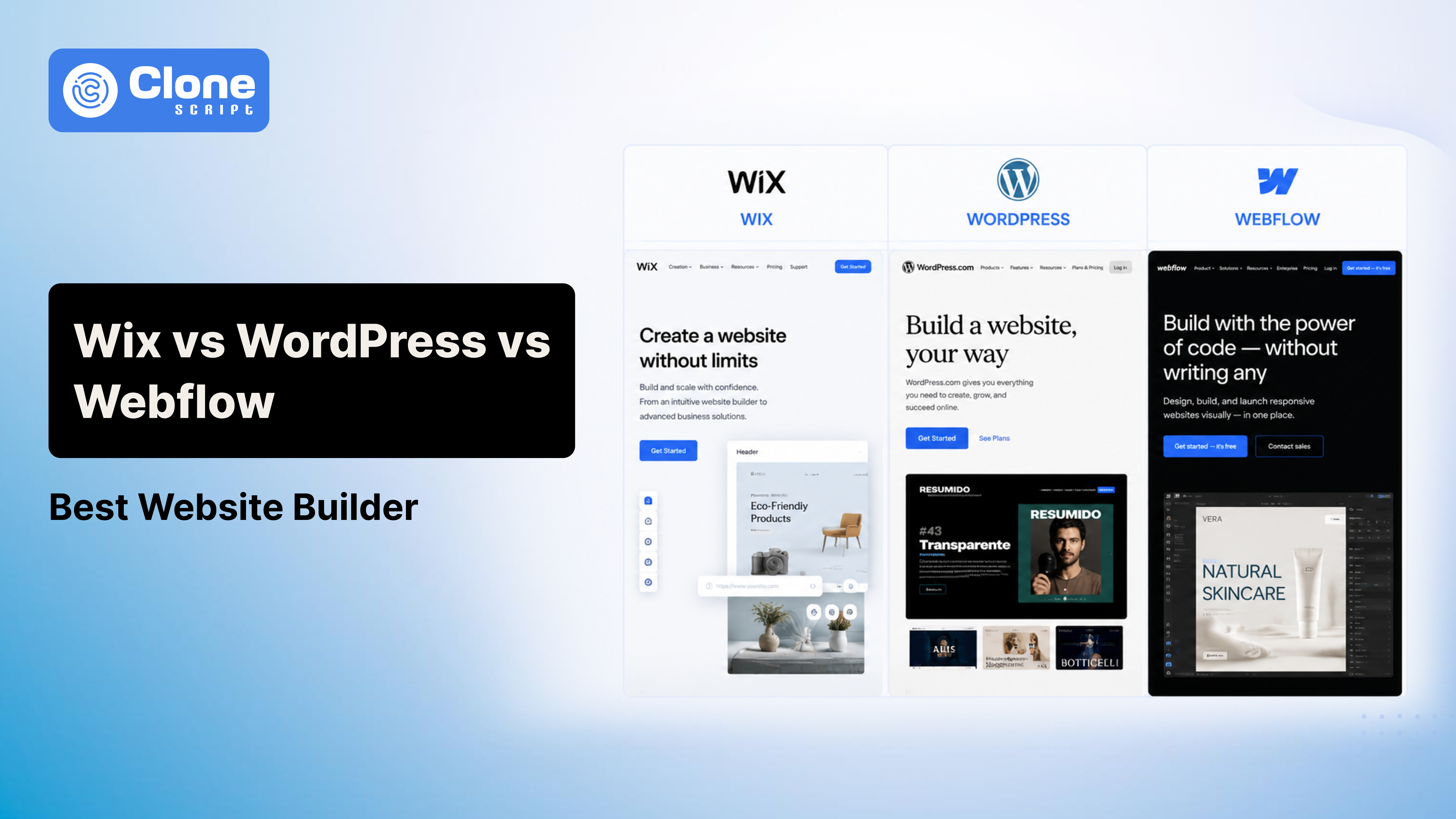
This is why the Wix, Webflow, and WordPress difference keeps trending.
Webflow advantages:
-
Cleaner visual design workflows
-
Strong animation capabilities
-
High-quality frontend output
-
CMS flexibility
Trade-offs:
-
Steeper learning curve
-
More complex pricing
-
Less e-commerce ecosystem depth than Shopify
-
Not ideal for beginners launching transactional stores fast
Webflow Pricing Reality
Many comparisons understate cost complexity.
Webflow pricing depends on:
-
Site plan
-
Workspace plan
-
CMS requirements
-
E-commerce tier
Meaning the effective monthly cost can exceed beginner-friendly builders quickly.
If you are comparing Webflow pricing purely on sticker price, you may underestimate total spend.
Webflow is powerful.
But it is rarely the fastest no-developer route for first-time e-commerce founders.
8 Steps to Make Your E-commerce Website Without Developers
Now, the practical workflow.
Step 1: Choose the Right Platform Based on Business Model
Do not choose based on popularity.
Choose based on your operating model.
Use this practical match:
Wix if:
-
You need speed
-
You sell fewer SKUs
-
You want minimal technical involvement
Shopify if:
-
Selling products is your core business
-
Inventory matters
-
Growth matters
WordPress if:
-
SEO is central
-
Content marketing matters
-
You want ownership
Webflow if:
-
Design differentiation matters more than raw selling infrastructure
Platform mismatch causes expensive migrations later.
Step 2: Buy a Domain
Use a clean, brandable domain.
Avoid the following:
-
Hyphens
-
Numbers
-
Keyword stuffing
Examples are as follows:
Bad: best-cheap-shoes-online247.com
Good: StrideNest.com
Shorter domains improve recall and trust.
Step 3: Pick a Conversion-Focused Theme or Template
Do not choose flashy templates.
Choose layouts optimized for commerce.
Priority sections:
-
Hero product positioning
-
Featured collections
-
Social proof
-
Testimonials
-
FAQ
-
Trust badges
-
Newsletter signup
Good design reduces bounce rates.
Pretty design alone does not increase sales.
Step 4: Add Products Properly
Weak product pages affect conversion.
Every listing needs the following:
-
Strong product imagery
Ensure these practices are implemented when making a product image on the site:
-
Front image
-
Alternate angles
-
Zoom support
-
Lifestyle context
This ensures the correct interpretation from the user side for products.
-
Persuasive product copy
Avoid generic descriptions.
Instead of: “Premium cotton shirt.”
Write: “Made from breathable 220 GSM combed cotton designed for daily wear without shape loss after repeated washes.”
Specificity converts.
-
Transparent pricing
Hidden charges destroy trust.
Show these aspects correctly:
-
Product price
-
Shipping estimates
-
Delivery windows
-
Tax clarity
This help you customers to make decisions on taking action like purchasing, adding in wishlist, remove from the shopping cart, adding a new bundled product, asking for customization costs, etc.
Step 5: Set Up Payments
Most builders support payment integrations natively.
Configure these payment gateways in that website builder:
-
Stripe
-
PayPal
-
Razorpay (region dependent)
-
Wallet methods
Checklist to follow:
-
Test checkout
-
Confirm tax calculations
-
Verify email receipts
-
Validate failed payment behavior
Never launch without live checkout testing.
Step 6: Configure Shipping Rules
Shipping mistakes destroy margins.
Define these aspects on your website:
-
Domestic zones
-
International zones
-
Free shipping thresholds
-
Weight-based pricing
-
Delivery timelines
Example:
Free shipping above $75 often improves average order value.
Step 7: Optimize SEO Before Launch
Website SEO should not be an afterthought.
Configure the following:
-
Product metadata
Every product needs unique title tags, meta descriptions, and optimized URLs.
Here is an example.
Bad practice: site.com/product123
Good practice: site.com/mens-running-shoes
-
Image optimization
Large images slow page speed. Compress all media before upload. In online commerce websites, if the images are not appearing within the first 3 seconds, customers feel something is wrong, and from there the conversions will decrease.
-
Structured navigation
In commerce businesses, when selling goods, the website’s product hierarchy matters:
Home > Men > Shoes > Running Shoes
This improves crawlability and UX.
Step 8: Add Trust Signals
Trust is conversion infrastructure.
Add these things to your website:
-
SSL indicators
-
Secure checkout badges
-
Refund policy
-
Return policy
-
Contact details
-
Customer reviews
-
FAQ
Unknown stores need stronger trust reinforcement.
When Building E-commerce Without Developers, Do Not Make These Mistakes
These mistakes are adding more weight to your entrepreneur task to manage a website.
-
Choosing the Wrong Platform
This is the biggest mistake.
A content-heavy SEO business choosing Wix may outgrow it.
A design-led brand choosing WordPress may overcomplicate operations.
Match infrastructure to business model.
-
Ignoring Performance
Heavy animations, oversized images, and excessive apps hurt speed. Slow stores lose sales. Sales decrease affects business operations.
-
Overusing Plugins
Especially in WordPress, this issue is found. More plugins often mean:
-
Security risk
-
Performance issues
-
Compatibility failures
Install only what solves a clear problem.
-
Skipping Analytics
Install tracking immediately. Minimum stack:
-
Google Analytics
-
Search Console
-
Conversion tracking
Without analytics, optimization becomes guesswork.
So, What Is the Best Website Builder in 2026?
The answer depends on your use case.
For most beginners, launching quickly:
-
Shopify: Best e-commerce experience. For service businesses selling lighter catalogs.
-
Wix: Fast, simple, polished. For SEO-driven growth businesses.
-
WordPress + WooCommerce: Highest flexibility and ownership. For premium design-first brands.
-
Webflow: Strong visual control, weaker beginner practicality.
So if someone asks for the how can it possible to make a new e-commerce website without hiring a developer, the honest answer is not one platform.
It depends on whether you prioritize:
-
Speed
-
SEO
-
Ownership
-
Design
-
Scale
Decide what your business goal is and how your future customers are looking to interact with the brand's products.