BTC - Bitcoin
 USDTERC20 - USDT ERC20
 ETH - Ethereum
 BNB - Binance
 BCH - Bitcoin Cash
 DOGE - Dogecoin
 TRX - TRON
 USDTTRC20 - USD TRC20
 LTC - LiteCoin

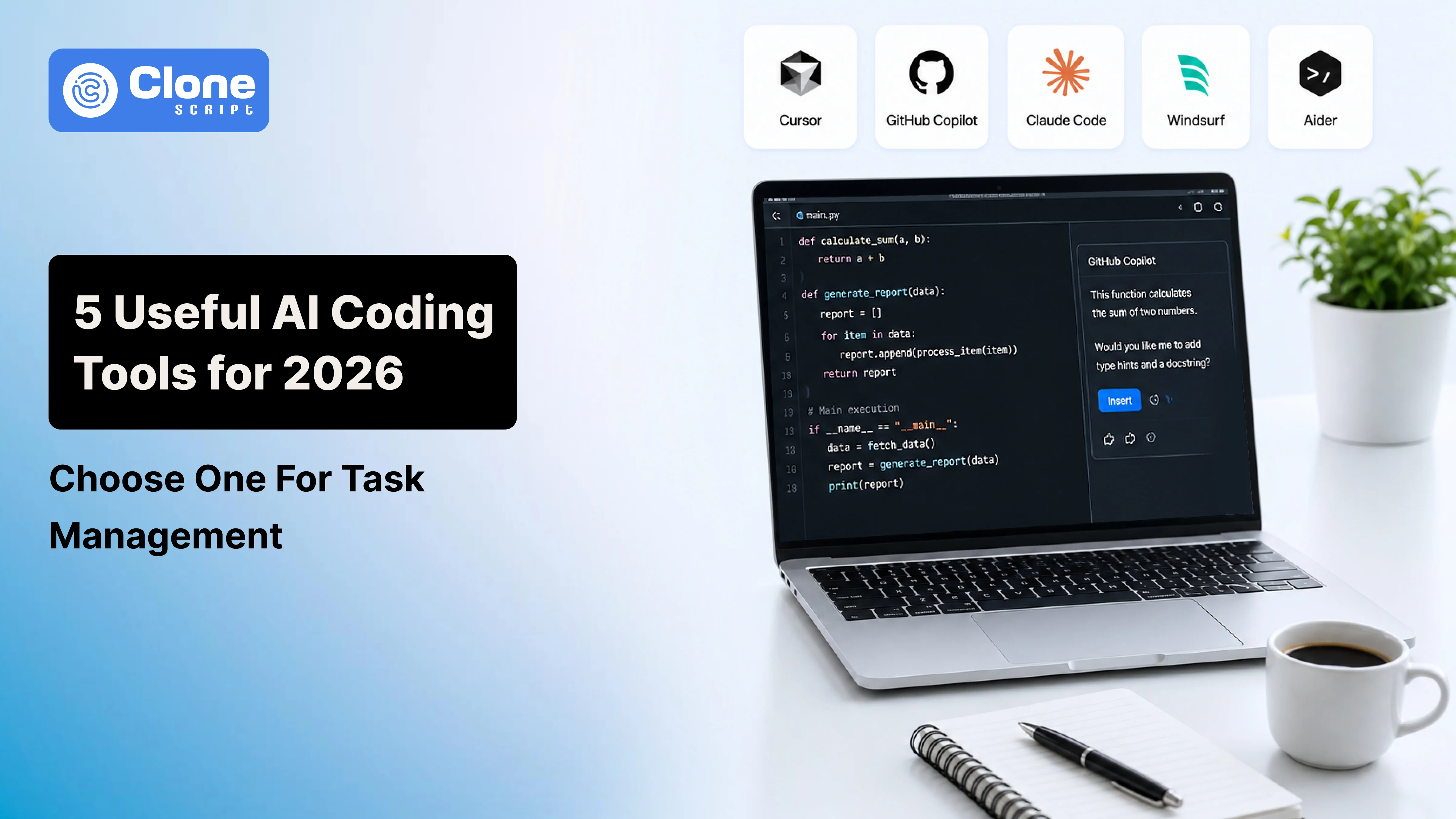
The 5 Useful AI Coding Tools for 2026: Manage Development Tasks
Is suggesting the next line of code the only task AI coding tools manage? Today, they’re becoming a supportive agent for developers to handle the software development lifecycle, from understanding unfamiliar codebases and writing tests to reviewing pull requests, fixing bugs, and speeding up releases. AI coding tools and softwares are more than just a productivity add-on.
However, the challenge is that there are multiple coding assistants that take the help of AI. Some are specifically designed for large enterprise projects with complex codebases. Others focus on rapid prototyping, automated code reviews, or autonomous development workflows. Choosing the right tool depends on your team's development process, project size, programming languages, and collaboration needs.
In this guide, we'll compare the 5 best AI coding tools for 2026 based on how they perform in real development environments. It can examine their key features, strengths, limitations, pricing, and ideal use cases so you can confidently select the right AI assistant for your next software project.
Why Does Choosing the Right AI Coding Tool Matter?
It saves developers hours of repetitive work and allows teams to focus on solving more complex problems. That said, every AI coding tool is made to manage a particular problem, and if you opted a wrong one can affect the entire development lifecycle.
Before deciding on an AI coding tool, consider these key factors:
-
Repository Understanding: Can the AI analyze your entire project and understand relationships across multiple files?
-
Code Quality: Does it produce clean, maintainable, and production-ready code instead of just functional snippets?
-
Debugging and Testing: Can it help identify bugs, explain issues, and generate reliable test cases?
-
IDE Integration: Does it integrate well with the development tools your team already uses?
-
Team Collaboration: Can developers use it consistently across shared projects and workflows?
-
Security: Does it encourage secure coding practices and help detect potential vulnerabilities?
-
Pricing: Does the value it provides justify the subscription cost for your team?
Here, we compare those tools.
Quick Comparison of the Best AI Coding Tools for 2026
The table below compares the top AI coding tools for 2026 based on their primary strengths, standout features, pricing availability, and overall developer experience.
| AI Coding Tool | Best For | Standout Feature | Free Plan | Rating |
|---|---|---|---|---|
| Cursor | Full-stack development | AI-powered IDE with Agent Mode | Yes | 4.9/5 |
| GitHub Copilot | Enterprise teams | Deep GitHub and IDE integration | Limited | 4.8/5 |
| Claude Code | Large codebases | Advanced repository understanding | No | 4.8/5 |
| Windsurf | Fast feature development | Autonomous AI workflows | Yes | 4.7/5 |
| Aider | Terminal-based developers | Git-first AI coding assistant | Yes | 4.6/5 |
The choice depends on factors such as your development workflow, programming languages, team size, infrastructure, and security requirements.
1. Cursor
Best for: Full-stack developers and teams building production applications.
This AI coding tool has been built on Visual Studio Code and combines the familiarity of VS Code with AI capabilities to understand the project. Cursor does not generate isolated code snippets but analyzes the repository, explains existing logic, suggests improvements, and updates multiple files to implement new features or refactor code.
One of its standout features is Agent Mode, which can handle more involved development tasks with minimal manual input. Speed up your repetitive work, explore unfamiliar codebases, and bugs resolving can be done with Cursor. Also, developers can use the built-in AI chat to ask questions, generate documentation, or troubleshoot errors without leaving the editor.
Key Features
-
AI-powered code generation and smart auto-completion
-
Repository-aware code suggestions
-
Multi-file editing and refactoring
-
Agent Mode for automating development tasks
-
Built-in AI chat for debugging and documentation
Pros
-
Excellent understanding of large projects
-
Speeds up development and code refactoring
-
Familiar VS Code-based interface
Cons
-
Advanced capabilities require a paid subscription
-
Output quality depends on the selected AI model
Pricing: Free plan available. Pro plans start at $20/month.
2. GitHub Copilot
Best for: Teams already using GitHub and Microsoft development tools.
These AI coding assistants are the trusted tools for developers that are suitable for everyday tasks. GitHub Copilot works alongside you, suggesting code, completing functions, explaining logic, and solving programming problems as you write. If you build a new feature or maintain an existing application, GitHub Copilot reduces repetitive coding tasks and lets developers focus on more important work.
The advantage of GitHub Copilot can integrate with the GitHub ecosystem. More than just code completion: pull request summarization, documentation generation, code review, and technical questions for supported IDEs. By supporting dozens of programming languages, it's a practical choice for teams working across different technology stacks.
Key Features
-
AI-powered code completion and intelligent suggestions
-
Inline AI chat for debugging and code explanations
-
Pull request summaries and code review assistance
-
Support for multiple programming languages
-
Integration with GitHub, VS Code, Visual Studio, and JetBrains IDEs
Pros
-
Seamless integration with GitHub and popular IDEs
-
Simple to adopt with minimal learning curve
-
Improves productivity for everyday development tasks
Cons
-
Repository understanding is more limited than AI-first IDEs
-
Advanced enterprise capabilities require a paid subscription
Pricing: Free plan for eligible users. Paid plans start at $10/month.
3. Claude Code
Best for: Engineering teams working with large, complex codebases.
Developers have to spend more time understanding and maintaining software. Writing the code part comes later. Here, Claude Code is the right option for them. They can help developers to navigate larger repositories, explain complex logic, refactor existing code, and solve difficult debugging problems.
Before suggesting a solution, Claude Code can reason through code. Project structure analysis, dependency identification, and detailed explanation help developers make informed decisions. They can prevent AI-generated code from being added directly in the product. Experienced developers find this tool over standalone IDEs due to command-line tools and workflow management.
Key Features
-
Repository-wide code understanding
-
Intelligent code refactoring and debugging
-
Terminal-based AI assistance
-
Code explanation and documentation generation
-
Support for multiple programming languages
Pros
-
Excellent at understanding large, complex codebases
-
Generates clear and well-structured code suggestions
-
Strong reasoning for debugging and architectural decisions
Cons
-
Best suited for developers comfortable with terminal workflows
-
No free plan for long-term or extensive usage
Pricing: Available through Claude subscription plans, starting at $20/month.
4. Windsurf
Best for: Developers who want an AI-native IDE with autonomous coding capabilities.
Sometimes developers are required to manage the entire workflow in a single tool. Windsurf is the choice. More than just suggesting code, it provides an AI-first development environment where the assistant can understand your project, complete multi-step tasks, and automate parts of the development process. With coding, debugging, and documentation, developers can handle everything easily.
The standout feature of Windsurf is Cascade, to work as an AI development partner. From analyzing the repository to editing multiple files, implementing features, and explaining changes keep the overall project context in mind. This reduces repetitive work and helps teams move from an idea to a working implementation much faster. For startups and agile teams that release features frequently, Windsurf can significantly speed up day-to-day development.
Key Features
-
AI-powered code generation and editing
-
Cascade agent for multi-step development tasks
-
Repository-aware code suggestions
-
Built-in AI chat for debugging and documentation
-
Support for multiple programming languages
Pros
-
Speeds up feature development and implementation
-
Clean, AI-first development experience
-
Strong support for multi-file editing and automation
Cons
-
Smaller ecosystem than Cursor or GitHub Copilot
-
Some advanced capabilities require a paid subscription
Pricing: Free plan available. Paid plans start at $15/month.
5. Aider
Best for: Developers who prefer working from the terminal and using Git-based workflows.
Aider takes a different approach from most AI coding tools by staying entirely in the terminal. It does not work by requiring a separate IDE or interface but works alongside your existing command-line workflow. That means developers who already depend on Git and terminal-based tools every day find it useful. The open-source nature helps teams to have more control over how they use and customize it.
Git integration makes Aider the best choice for an AI coding assistant. It can edit multiple files, suggest code changes, create meaningful commits, and help implement new features. This keeps version control at the center of the workflow. It also supports several AI models, which means developers can choose the provider that best matches their budget, performance, or privacy requirements. This flexibility makes Aider a practical option for individuals and engineering teams alike.
Key Features
-
Terminal-based AI coding assistant
-
Native Git integration for tracking code changes
-
Multi-file editing and code refactoring
-
Support for multiple AI models
-
Open-source and highly customizable
Pros
-
Lightweight and easy to integrate into existing workflows
-
Excellent choice for Git-centric development
-
Flexible AI model support with extensive customization
Cons
-
Command-line interface may not appeal to every developer
-
Most AI models require separate API keys and usage costs
Pricing: Free and open source. AI model usage costs depend on the provider you choose.
Conclusion
AI coding tools are becoming valuable development partners that help teams write better code, reduce repetitive work, and deliver software more efficiently. From generating code and debugging issues to reviewing pull requests and understanding large repositories, today's AI assistants support developers throughout the entire software development lifecycle.
Before committing to a platform, consider running a short trial with your existing projects. Testing an AI coding tool in real development scenarios is the best way to evaluate its impact on productivity, code quality, collaboration, and overall development efficiency. A tool that aligns with your team's workflow will deliver far more value than simply choosing the most popular option.
FAQs
-
What is the best AI coding tool in 2026?
The best AI coding tool depends on your workflow. Cursor excels at AI-first development, GitHub Copilot suits GitHub users, and Claude Code is ideal for large, complex repositories.
-
Are AI coding tools suitable for professional software development?
Yes. Modern AI coding tools help developers write code, debug issues, review pull requests, generate tests, and improve productivity across professional software development projects.
-
Can AI coding tools understand an entire codebase?
Some can. Tools like Cursor and Claude Code analyze repository-wide context, allowing them to understand relationships between files and generate more accurate code suggestions.
-
Do AI coding assistants replace software developers?
No. AI coding assistants automate repetitive tasks and provide suggestions, but developers are still responsible for architecture, business logic, security, testing, and final code decisions.
-
Which AI coding tool is best for beginners?
GitHub Copilot is a great starting point because it integrates with popular IDEs, offers helpful code suggestions, and has a minimal learning curve for new developers.
-
Are there free AI coding tools available?
Yes. Tools such as Cursor, Windsurf, Continue, Aider, and Amazon Q Developer offer free plans or open-source options, although advanced features require paid subscriptions.
-
How do AI coding tools improve developer productivity?
They automate code generation, debugging, documentation, testing, and code reviews, reducing repetitive work and allowing developers to focus on solving complex engineering challenges.
-
What should I consider when choosing an AI coding tool?
Evaluate repository understanding, IDE compatibility, supported programming languages, collaboration features, security capabilities, pricing, and how well the tool fits your team's workflow.