BTC - Bitcoin
 USDTERC20 - USDT ERC20
 ETH - Ethereum
 BNB - Binance
 BCH - Bitcoin Cash
 DOGE - Dogecoin
 TRX - TRON
 USDTTRC20 - USD TRC20
 LTC - LiteCoin

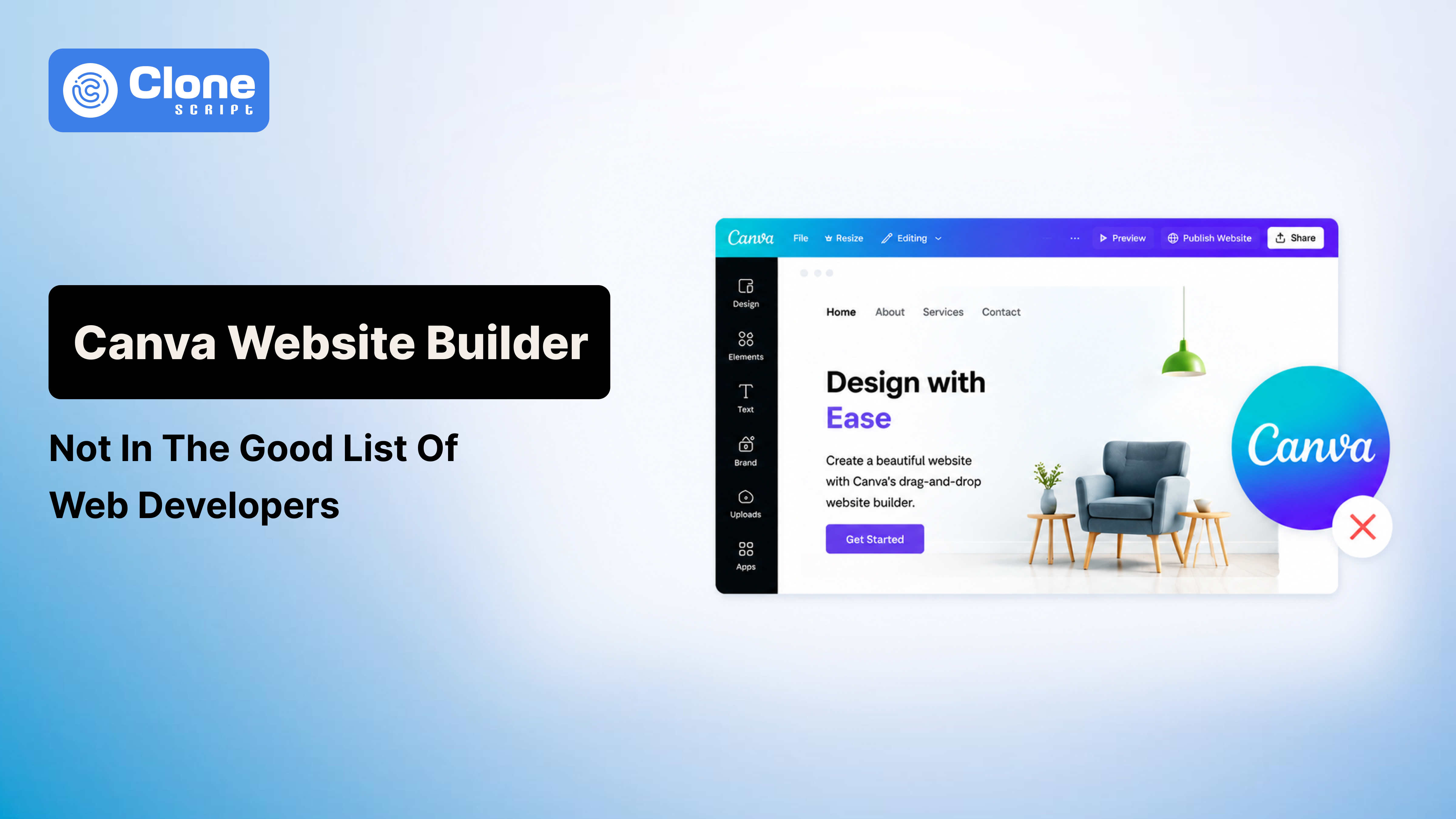
Why is Canva Website Builder not on the Good List of Web Developers
Nowadays, website development has become the task of designing, coding, and developing. Some of the AI website builders allow a no-code facility to make a good site. Canva is one of them.
But why are web developers not happy with this tool? Look, the answer is simple.
A website is not just something people look at.
A website is something browsers render dynamically, search engines interpret structurally, users interact with across hundreds of devices, and businesses rely on operationally. Once traffic, SEO, performance, integrations, or scalability enter the conversation, Canva’s weaknesses become difficult to ignore.
For years, this tool has been built for graphic design, and it does not require advanced knowledge of Photoshop or Illustrator. From creating marketing assets to social media posts and business presentations to branded content, everything can be done. That success naturally pushed Canva into website building.
And honestly, the idea sounds attractive.
A business owner can open Canva, pick a template, drag elements onto a page, hit publish, and suddenly have a website online without touching a single line of code. For freelancers, restaurants, local events, or personal portfolios, that convenience feels revolutionary.
But there is a reason experienced web developers rarely recommend Canva websites for serious business projects.
The issue is not that developers hate simplicity.
The issue is that Canva approaches websites like static design compositions rather than scalable web systems. That difference sounds minor on the surface, but it changes everything underneath.
This is exactly why developers often place Canva Website Builder outside the “serious web platform” category.
Canva Was Built for Visual Design, Not Web Architecture
The easiest way to understand the problem is to compare graphic design logic with web development logic.
Graphic design tools are built around visual precision.
Web development platforms are built around responsive systems.
Those are two completely different engineering philosophies.
When a designer creates a poster in Canva, the platform works with a fixed canvas. Every image, button, heading, and shape exists at a precise location. The software knows exactly where elements should sit because the output size remains predictable.
A website does not behave like that.
The moment a website goes live, it enters an unpredictable environment:
-
Thousands of screen sizes
-
Multiple browsers
-
Different operating systems
-
Accessibility zoom levels
-
Varying internet speeds
-
Responsive breakpoints
Professional developers do not build websites by placing elements statically on a digital poster. They build flexible layout systems that continuously adapt based on viewport behavior.
That is why modern websites rely heavily on:
-
Flexbox
-
CSS Grid
-
Fluid containers
-
Responsive scaling
-
Semantic HTML structure
Canva’s internal design philosophy was never originally engineered around those principles.
Instead, Canva tries to translate a visual design environment into web output afterward. That translation process is where most of the technical compromises begin.
The Absolute Positioning Problem Developers Immediately Notice
One of the biggest reasons developers dislike Canva websites is the platform’s heavy dependence on absolute positioning behavior.
This is not something casual users usually notice immediately because Canva websites often look acceptable during the initial design preview.
The problems appear later.
To understand this properly, you need to understand how responsive web design actually works.
Professional websites are built using relational layouts. Instead of fixing a button at an exact pixel location forever, developers define relationships between elements.
For example:
-
Containers stretch proportionally
-
Text wraps dynamically
-
Images resize fluidly
-
Sections reorganize themselves on mobile devices
The website behaves like a flexible system instead of a fixed composition.
Canva, however, approaches layout more like presentation software.
Elements are often positioned relative to exact coordinates inside a controlled canvas environment. That approach works perfectly for posters and slides because the dimensions stay fixed. But websites never stay fixed.
The moment screen sizes change, problems begin:
-
Text overlaps images
-
Spacing becomes inconsistent
-
Buttons shift awkwardly
-
Mobile layouts feel unstable
-
Content alignment breaks
This is why many Canva websites look decent on one laptop but become awkward on tablets or ultrawide displays.
Website developers recognize this issue immediately because responsive stability is one of the foundations of modern front-end engineering.
A business website cannot depend on “looking okay” only on the designer’s screen size.
Why Canva Websites Often Feel Weak in SEO
Many Canva users assume SEO simply means adding keywords to a page.
That is only a small part of evolving search optimization. It’s now related to Artificial Intelligence and LLM systems.
Search engines like Google do not “see” websites the same way humans do. Google analyzes structural relationships inside the code itself.
This is where semantic HTML becomes important.
Professional developers intentionally structure websites using semantic elements (referred to as tags) like:
-
Header
-
Main
-
Section
-
Article
-
Nav
-
Footer
Headings are also structured carefully:
-
One clear H1
-
Organized H2 sections
-
Nested H3 subsections
This hierarchy helps search engines understand topic relationships and content importance.
Canva websites struggle here because the platform is converting visual layers into code automatically.
The result is usually a front-end structure filled with:
-
Deeply nested div containers
-
Auto-generated class names
-
Presentation-focused wrappers
-
Weak semantic organization
To users, the website may still appear visually clean.
But to Googlebot, the structural clarity is weaker.
This becomes especially problematic for businesses trying to compete in organic search.
For example, if a SaaS company publishes blogs, landing pages, and product pages regularly, search engines need a strong semantic structure to interpret:
-
Topical authority
-
Page hierarchy
-
Contextual relationships
-
Crawl priority
Canva’s simplified system often sacrifices structural precision for ease of use.
That tradeoff affects SEO performance over time.
The DOM Bloat Problem Nobody Talks About
One of the most overlooked issues in no-code website builders is DOM bloat.
Most business owners have never heard the term before, but developers care about it constantly because it directly impacts performance.
DOM stands for Document Object Model.
Every webpage becomes a tree structure inside the browser. Each text block, image, section, container, or button becomes part of that structure.
Efficient websites maintain a relatively clean DOM architecture.
Canva websites often do not.
Why?
Because Canva must convert visual design layers into renderable web elements automatically. Every design object may generate multiple nested wrappers behind the scenes.
That creates excessive front-end complexity.
Instead of a clean structure, browsers receive layers of unnecessary containers and positioning elements.
As websites become larger, the problem compounds.
This affects:
-
Rendering speed
-
Browser parsing
-
Memory consumption
-
Interaction responsiveness
The impact becomes especially visible on mobile devices or slower internet connections.
This is one reason developers criticize the Canva website performance so heavily.
Modern SEO is tightly connected to performance metrics.
Google now evaluates websites using Core Web Vitals, including:
-
Largest Contentful Paint (LCP)
-
Cumulative Layout Shift (CLS)
-
Interaction responsiveness
Bloated front-end structures make these metrics harder to optimize.
A visually attractive website that loads slowly still performs poorly in real-world search visibility and conversion performance.
Canva Creates Long-Term Technical Debt for Businesses
This is probably the most important issue founders fail to understand initially: solving technical debt.
Launching a Canva website feels cheap.
Rebuilding it later is not.
Many startups choose Canva because they only need “something online quickly.” At first, that logic makes sense. Spending heavily on custom website development before validating an idea can be unnecessary.
But businesses evolve.
A company that initially needed a simple landing page eventually wants:
-
Advanced analytics
-
CRM integrations
-
Custom forms
-
Gated content
-
User dashboards
This is where Canva hits a hard infrastructure ceiling.
The platform was not designed for advanced web applications or scalable digital ecosystems.
At that stage, businesses usually face a complete rebuild.
And rebuilding a website is rarely just a design problem.
The migration process can involve:
-
Redesigning front-end architecture
-
Preserving SEO rankings
-
Restructuring URLs
-
Reconnecting integrations
-
Rebuilding content systems
-
Rewriting front-end code
Sometimes businesses lose years of accumulated SEO momentum during migration.
This is what developers mean when they talk about the “rebuild penalty.”
The upfront savings often disappear entirely once redevelopment becomes necessary.
Canva’s Closed Ecosystem Frustrates Developers
Professional front-end and back-end developers care deeply about control.
Not because they enjoy complexity for its own sake, but because control allows optimization.
When developers work with traditional web stacks or platforms like Webflow, they can access:
-
Clean HTML
-
Custom CSS
-
JavaScript logic
-
Deployment infrastructure
-
Third-party integrations
That flexibility allows businesses to evolve.
Canva restricts much of this environment intentionally to preserve simplicity.
The downside is reduced extensibility.
For example, developers often want to integrate:
-
Advanced animation libraries
-
Custom analytics systems
-
Performance optimization scripts
-
Headless CMS workflows
-
Marketing automation tools
Canva’s ecosystem is comparatively closed.
You work largely within the boundaries Canva defines.
That limitation becomes frustrating for technical teams because modern websites increasingly depend on customization.
Canva Website vs Webflow: Why Developers Prefer Webflow
Many non-technical users compare Canva and Webflow because both platforms offer visual editing.
But underneath, the platforms are fundamentally different.
Webflow was designed specifically around web development principles.
Canva was designed around visual composition.
That distinction matters enormously.
Webflow allows developers to work visually while still maintaining:
-
Semantic structure
-
Responsive breakpoints
-
CMS collections
-
Scalable interactions
-
Cleaner front-end architecture
It behaves much closer to actual front-end development.
Canva prioritizes simplicity instead.
That simplicity helps beginners launch quickly, but it limits long-term scalability.
For lightweight projects, that tradeoff may be acceptable.
For businesses depending on SEO, performance, and future growth, it becomes risky.
There Are Still Situations Where Canva Websites Make Sense
Despite all these criticisms, Canva websites are not completely useless.
In fact, they can work very well for short-term, low-complexity projects.
Examples include:
-
Event landing pages
-
Wedding invitations
-
Restaurant menus
-
Personal link pages
-
Temporary campaigns
-
Simple portfolios
These projects usually do not require:
-
Advanced SEO
-
Dynamic infrastructure
-
Scalable back-end systems
-
Complex integrations
For those scenarios, Canva’s speed and simplicity are genuine advantages.
The problem begins when businesses mistake Canva for a long-term web platform instead of a lightweight publishing tool.
Final Verdict
Canva transformed graphic design because it removed technical barriers from visual creation. But websites are not static visual products.
They are responsive systems that must balance performance, structure, scalability, SEO, accessibility, and maintainability.
That is why professional developers often avoid Canva Website Builder for serious projects.
The criticism is not about simplicity. It is about architectural limitations.
Canva websites commonly struggle with:
-
Responsive fluidity
-
Semantic HTML structure
-
DOM bloat
-
SEO optimization
-
Scalability
-
Back-end flexibility
-
Advanced customization
For temporary projects or lightweight pages, Canva is perfectly acceptable.
But for businesses planning long-term growth, content marketing, e-commerce expansion, or scalable infrastructure, developers usually recommend platforms designed specifically for web production from the beginning.
That may include:
-
Custom front-end development
-
Headless CMS systems
-
Webflow
-
WordPress
-
Modern Jamstack frameworks
In web development, the cheapest short-term solution often becomes the most expensive long-term rebuild.