BTC - Bitcoin
 USDTERC20 - USDT ERC20
 ETH - Ethereum
 BNB - Binance
 BCH - Bitcoin Cash
 DOGE - Dogecoin
 TRX - TRON
 USDTTRC20 - USD TRC20
 LTC - LiteCoin


How Much Does It Cost to Build a SaaS Web App in 2026?
SaaS application development cost is a hot question for modern teams. After all, before proceeding with the work, it's good to know the features, architecture, or timelines to give a realistic estimate.
You may not believe that in 2026, creating a SaaS product for clients become faster than ever. Using modern tools, AI systems in development, flexible cloud services, and automation make tasks optimized. Users expect apps that are fast, secure, reliable, and capable of handling growth without glitches. Meeting all of these expectations naturally affects the budget.
This guide lays out what it truly costs to develop a SaaS platform today. We’ll look at essential features, architecture choices, team structures, and ongoing maintenance so you can see real-world numbers instead of just guesses.
SaaS App Development Cost Overview in 2026
In 2026, these three ranges of development costs for SaaS development exist.
-
Lean SaaS MVP: This app costs around $20,000–$50,000.
-
Production-ready SaaS: This web application costs for $50,000–$120,000 with advanced features.
-
Enterprise-grade SaaS platform: This application costs for $120,000–$300,000+ having a custom design, features, and management.
These numbers are not assumptions. But they evaluated how many modern stacks are used, what kind of cloud hosting is deployed, and standard SaaS expectations (auth, billing, dashboards, and APIs).
The Core Factors That Define SaaS Development Cost
Let’s break down where the money actually goes in Software-as-a-Service.
-
Feature Scope and Product Complexity
This is still the single biggest cost driver in SaaS development. The more logic your product owns, the more engineering time it consumes, both now and later.
Do you know what a “simple” SaaS app almost always includes?
-
Authentication and authorization
-
User roles and permissions
-
Dashboards with dynamic data
-
CRUD operations
-
Basic analytics
-
Subscription billing
-
Email or notification workflows
The fact is, none of these are new problems. Libraries, services, and patterns already exist for each one. The cost comes from integrating them reliably. It is important to ensure auth flows don’t break billing, dashboards handle real data volume, and permissions are enforced everywhere, not just in the UI.
Here are other aspects that drive costs rise quickly when you add them:
-
Multi-tenant architecture for advanced functionality
-
It requires real-time updates (WebSockets, pub/sub)
-
Workflow automation for optimized output
-
Advanced reporting
-
Heavy third-party integrations (CRM, ERP, payment gateways)
-
Domain-specific logic that can’t be reused anywhere in the product
Note that these additional features introduce state, timing, and edge cases. They are expensive to design, test, and maintain.
You have to consider the rule of thumb. If a feature requires custom business logic instead of configuration, it increases development time, testing effort, and long-term maintenance cost.
-
Platform Choice: Web, Mobile, or Both
Platform decisions directly shape your SaaS budget because they define how many surfaces you need to build, test, and maintain.
In 2026, “web-first” application development is still the default, but it doesn’t mean “web-only.”
The reality is that most SaaS products start with a responsive web application. These apps work across desktops, tablets, and mobile browsers easily. It proves to be the most cost-efficient path for a team that builds and maintains a single codebase. The user expectations for accessibility and usability are maintained.
The app development costs increase when you expand beyond that baseline:
-
Web-only SaaS applications
-
Web apps optimized for mobile workflows
-
Cross-platform mobile apps (Flutter, React Native)
-
Fully native iOS and Android applications
Only the UI design does not add the costs. But the feature parity maintenance, handling platform bugs, managing releases, and supporting different interaction patterns increase the amount.
Here is the reality.
If your product logic must behave consistently across platforms, every additional platform adds complexity, cumulatively. Starting web-first and expanding based on real usage data is usually the most cost-controlled approach.
-
UI/UX Design Requirement
You understand the feature complexity, choose the platform, and then it comes to UI design and UX optimization. The cost is misunderstood because it’s visible early but felt much later. Design depth directly affects implementation time, rework, and long-term maintainability.
In 2026, you generally have two paths:
-
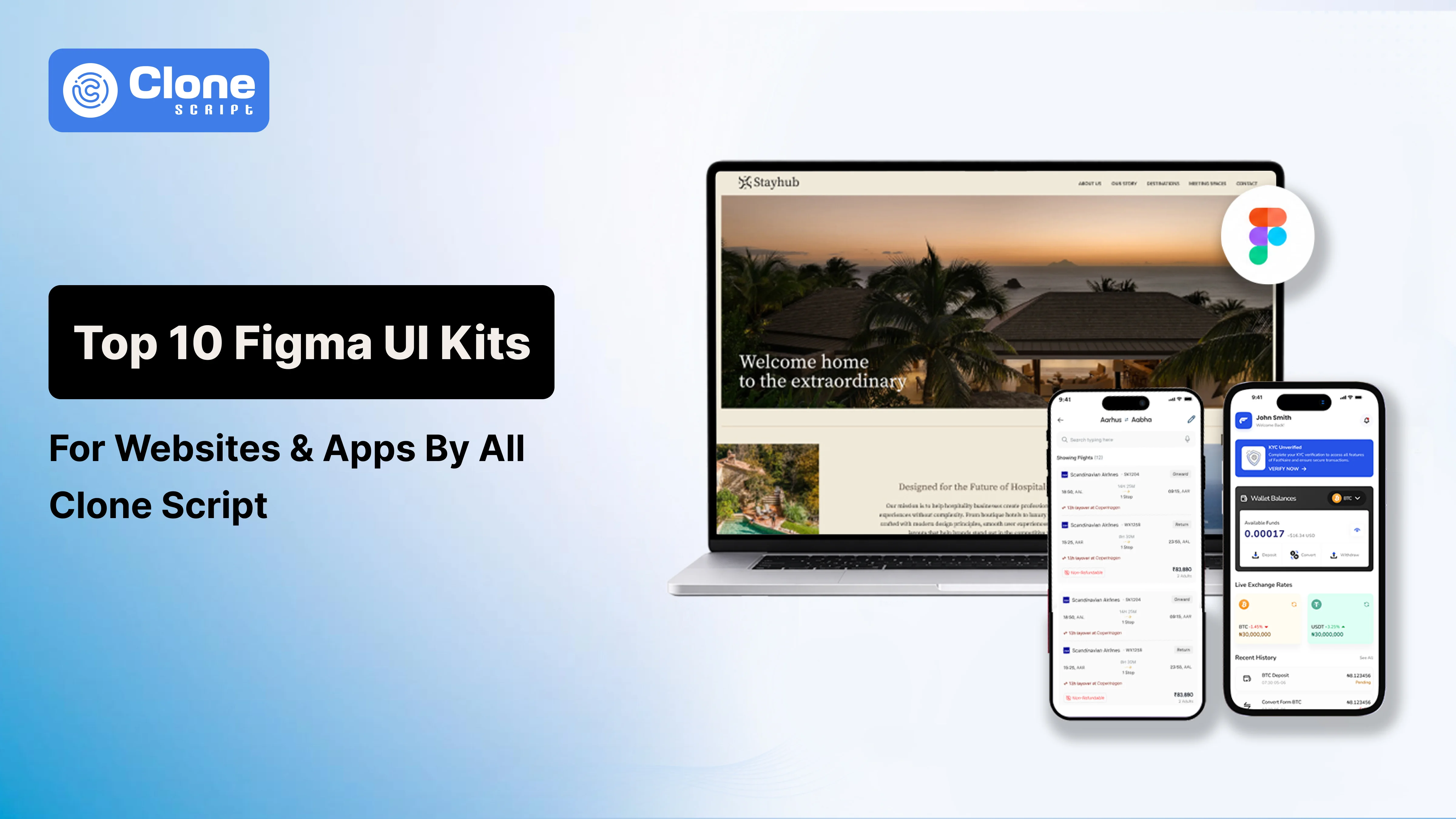
Using pre-built Figma UI kits and design systems for an agile option
-
Building a custom UI and interaction model takes time
The best thing is that pre-built kits reduce design time and speed up front-end development.
Why?
UI components are already tested, accessible, and responsive, which lowers the cost of implementation and QA. This approach works well for internal tools, MVPs, and early-stage SaaS products.
Conversely, custom UI/UX increases cost because it introduces:
-
Unique layouts and interactions
-
Custom components and animations
-
Additional edge cases across screen sizes
-
More feedback loops between design and development
The real cost isn’t visual polish. It’s usability under real data conditions. Complex tables, large datasets, and permission-based views expose weak UX decisions quickly.
Prioritizing more custom design means the more time you’ll spend in translating visuals into stable, reusable components. If the design cannot be expressed cleanly in code, development and maintenance costs rise fast.
-
Technology Stack & Architecture
What kind of technology stack is being used in the SaaS app is also important in cost decision-making. You may not charge the $20,000 for a simple HTML and JS-backed SaaS app.
In 2026, most teams have access to powerful, well-documented tools, but power comes with trade-offs.
A typical modern SaaS stack includes:
-
A component-based frontend framework
-
An API-driven backend
-
A relational or managed NoSQL database
-
Cloud infrastructure with managed services
Costs increase when architecture decisions are made too early or without clear constraints. Here are some common sources of unnecessary spending:
-
Introducing microservices before scale justifies them.
-
Over-engineering event-driven systems
-
Designing for millions of users when you have hundreds
Choosing niche technologies with limited ecosystem support for development
Each added layer increases development time, along with testing and operational overhead expenses.
Note that each added layer increases development time, testing surface area, and operational overhead. What looks elegant on a diagram can be costly in practice. This is a reality check.
So, what do you have as an option?
Initiate with the simple and boring architecture that is usually cost-effectice choice early on. A well-structured monolith with clear boundaries is cheaper to build, easier to debug, and faster to change. Additionally, architectural complexity should be earned through real usage, not assumed during planning.
-
Security, Compliance, and Data Protection
Only enterprise SaaS products don’t deserve security and compliance. But early-stage products are expected to meet a baseline level of trust from day one. This expectation directly affects development cost.
At a minimum, most SaaS apps must implement:
-
Secure authentication and session management
-
Role-based access control
-
Encryption for data at rest and in transit
-
Protection against common attack vectors to expose vulnerabilities
The costs increase when a formal compliance is required for GDPR workflows, SOC 2 readiness, HIPAA, or PCI standards. These regulations influence how you design data models, logging, access policies, and deployment pipelines.
On the other side, security also adds ongoing costs through:
-
Regular audits and reviews
-
Dependency updates and patching
-
Monitoring and incident response tooling
With security, you can not compromise for cost reduction. Retrofitting access control, audit logs, or data handling rules after launch requires deep refactoring. Building these foundations early may raise initial cost, but it significantly reduces long-term risk and rework.
SaaS Development Cost Breakdown by Development Stage
The cost for SaaS app development is decided by stages. Every stage demands different types of effort, risk, and decision-making that directly affect the final budget.
-
Discovery and Product Planning
This is the first stage that defines what you are actually building. Requirements clarification and feature prioritization, as well as technical feasibility checks and high-level architecture decisions affects the pricing. Skipping or rushing this phase leads to scope creep, rewrites, and misaligned expectations later.
Referring to the cost range for SaaS product planning remains 5-10% in average.
You have to spend time here, as it saves significantly more time during development. Clear scope and constraints reduce rework and overengineering.
-
UI/UX Design
App UI and UX design is the second stage of SaaS development. Adding design screens is not enough, but optimizing the workflows is. This phase creates wireframes, interaction flows, prototypes, and design handoff. The deeper the design exploration, the more front-end complexity you introduce.
The cost range for this stage is around 10-15% as per the standards.
As you know, well-defined UX reduces guesswork during implementation. It minimizes back-and-forth between design and development. You may use the AI tools for UI and UX design, as they allow you to work smartly for wireframing and mockups.
-
Development (Front-end and Back-end)
This is where most of the budget is spent, approx. 45-60% of the total quote. It includes API development, front-end logic, integrations, business rules, authentication, and billing systems. Here, architecture and stack choices heavily influence speed and maintainability.
You have to do clean abstractions and consistent patterns. It reduces long-term maintenance costs more than raw development speed.
-
Testing and Quality Assurance
The design is approved, the development has been done, and then QA & Testing come. It ensures the product behaves correctly under real conditions. This includes automated tests, manual QA, performance testing, and bug fixes.
The average spent on this is 10-15% of the overall budget.
The best part is that bugs caught here are cheaper than bugs found by users that affect the app experience and brand reputation.
-
Deployment and Launch
The final stage is deploying the app with infrastructure setup, CI/CD pipelines, monitoring, and release management. This stage is underestimated but important for stability.
The cost for this account is 5-10% of the total budget, and you have to allocate it accordingly.
Keep note that a smooth launch depends on preparation, not last-minute fixes.
Software-as-a-Service App Development Cost by Team Type
Who builds your SaaS product has a major impact on both short-term development cost and long-term sustainability. Each team model introduces different trade-offs in speed, control, and risk.
-
In-House Development Team
An in-house team offers maximum control over architecture, code quality, and product direction. However, costs extend beyond development time to salaries, benefits, onboarding, and infrastructure. Ramp-up time is underestimated, especially for early-stage products. This model works best once the product direction is stable and ongoing iteration is required.
-
Freelancers
Looking to save costs? Freelancers are the choice. They can reduce upfront cost and provide flexibility for well-defined tasks. The downside is coordination overhead, knowledge silos, and inconsistent availability. In complex SaaS product development, the workflow suffers when ownership is fragmented.
-
Development Agencies
SaaS development agencies provide structured delivery, predictable timelines, and access to a broader skill set. While hourly rates may be higher, overall efficiency can be better due to experience and established processes. For early-stage SaaS, agencies reduce risk and time-to-market despite higher surface-level costs.
-
SaaS Templates and Boilerplates
Require to launch the app with a cost-effective and time-saving option, the SaaS app templates and boilerplates offer the fastest and most cost-efficient way to launch. Core patterns like authentication, billing, and dashboards are pre-built. The trade-off is flexibility and the need for refactoring as the product scales. App templates are ideal for MVPs and validation, as long as you plan for cleanup before scaling.
How AI Is Changing SaaS Development Costs in 2026?
Using Artificial Intelligence tools for SaaS application development, you can save money on the repetitive work that takes days to months. For example, setting up scaffolding, writing repetitive logic, generating tests, and cleaning up legacy code. This means you can spend more time on real product problem-solving.
But this speed comes with a catch. Bad architectural decisions, unclear requirements, or rushed data models fail sooner and at a larger scale.
Also, there is a myth: AI replaces system design, performance tuning, or security thinking. Whether your multi-tenant model will hold up, or if your billing logic is safe under edge case decisions, still falls on you.
AI reduces labor cost, not responsibility. It makes good teams faster and bad decisions more expensive if you’re not deliberate about how you use it.
Hidden Costs Most SaaS Cost Guides Don’t Mention
These costs rarely appear in initial estimates, but they are the ones developers feel most once the product is live.
-
Ongoing Maintenance and Technical Upkeep
Maintenance in a SaaS app is continuous, not occasional. Bug fixes, dependency upgrades, security patches, and browser or OS changes require regular engineering time.
You may not believe that even a stable SaaS codebase needs consistent attention to avoid performance degradation or security risks. This work is predictable in pattern, but ignored in budgeting.
-
Infrastructure Growth and Usage-Based Costs
Cloud development costs rarely stay flat. As real users interact with the system, database load increases, logs grow, background jobs multiply, and third-party API usage scales. Small inefficiencies that were invisible at launch become expensive over time if left unchecked.
-
Feature Creep After Real Users Arrive
Once users rely on the product, edge cases surface. Workflows need refinement, permissions need tightening, and “small” feature requests begin to stack up. The reality is that each request seems minor, but collectively they create significant unplanned development work.
These costs don’t come from poor decisions. They come from adoption. Planning for them early prevents rushed fixes, burnout, and long-term technical debt.
Cost Comparison: Custom SaaS vs SaaS Templates
You might be confused about whether custom development work is for you or if choosing a template optimizes efforts. Let’s clarify the difference.
Factor |
Custom Saas Development |
SaaS Templates/ Boilerplates |
|---|---|---|
|
Initial Development Cost |
$60,000 – $300,000+ |
$5,000 – $30,000 |
|
Time to Launch |
4–9 months |
2–6 weeks |
|
Architecture Flexibility |
Very high (built for your exact logic) |
Moderate (bounded by template structure) |
|
Feature Customization Cost |
High (everything is built from scratch) |
Low initially, increases with heavy customization |
|
Maintenance Cost (Year 1) |
$15,000 – $50,000 |
$5,000 – $20,000 |
|
Scalability Readiness |
High (designed upfront) |
Medium (often requires refactoring) |
|
Technical Debt Risk |
Lower if designed well |
Higher if the template isn’t cleaned up early |
|
Best Use Case |
Complex products, long-term platforms |
MVPs, validation, internal tools |
|
Refactor Cost Later |
Minimal if planned early |
$10,000 – $60,000 (depends on growth) |
Templates reduce upfront costs and speed up the launch, but they shift some costs into the future. Custom SaaS requires a higher initial investment, yet offers cleaner scalability and fewer structural limits over time. The right choice depends on whether you are optimizing for speed today or control tomorrow.
How to Reduce SaaS Development Cost Without Cutting Corners?
Most SaaS projects don’t go over budget because of bad code. They go over budget because too many decisions are made too early.
-
Build Less Until Usage Forces More
The fastest way to lose control of costs is to build features without knowing the user’s requirements. Every new feature you adds it increase the tasks for testing paths, edge cases, and long-term maintenance work. If a feature doesn’t support the primary workflow, it’s usually better left out until real usage data pushes for it.
-
Choose Tools That Remove Uncertainty
Development tool choice matters more than most teams admit. Mature frameworks and managed services save time because they remove uncertainty. Rebuilding common functionality feels flexible at first, but it becomes expensive the moment requirements change.
-
Delay Optimization Until Bottlenecks Exist
Early optimization is another silent cost multiplier. Designing for scale before you have enough traffic makes systems harder to reason about and slower to change. It’s usually cheaper to build something clear, then adjust it once real bottlenecks appear. This is a common approach in complex SaaS product development.
-
Treat Refactoring as Normal Work.
Refactoring isn’t a mistake. It’s part of normal development. Once the feature you introduced fails, you have to restructure it, which is acceptable. The teams that budget time for it stay in control longer than the ones that pretend it won’t be needed.
How to Estimate Your SaaS App Cost Accurately?
Assumptions in SaaS app development cost do not work, as sometimes you feel it is undervalued and overvalued. Here, the approach works.
-
Start With the First Usable Version.
Deciding the cost on the “finished product” methodology is the wrong method because no one can clearly define it. A more reliable way is to scope the first version that users can realistically use.
Ask what someone must be able to do on day one for the product to be valuable. Everything beyond that is optional until proven otherwise. This creates a baseline that teams can size with much higher confidence.
-
Break Work Into Concrete Deliverables.
High-level features hide complexity in SaaS applications. “User management” sounds simple until it includes roles, permissions, edge cases, and admin tooling.
Estimates improve when features are split into specific tasks that can be built, tested, and reviewed independently. This identifies hidden work to surface early, when it’s still cheap to adjust.
-
Separate Build Cost From Run Cost.
Many estimates stop at development. That’s where trouble starts.
Infrastructure, third-party services, monitoring, and support all show up after launch. Some costs scale with users, others scale with usage patterns. Treating these as a separate line item makes the estimate more realistic and easier to update over time.
-
Account for Unknowns Explicitly.
Every SaaS project has unknowns. The mistake is pretending they don’t exist.
Instead of padding every feature, add a visible buffer tied to risk areas like new integrations, untested assumptions, or unclear workflows. This keeps the estimate honest without inflating everything else.
-
Revisit the Estimate as the Product Evolves.
A good estimate of SaaS app development cost isn’t static. As real users interact with the product, assumptions change.
Development teams that revisit the quote at each milestone tend to stay closer to budget than teams that lock numbers once and never look back. In general, estimation works best as an ongoing process, not a one-time exercise.
Conclusion
Assuming the SaaS app cost accurately means you’re looking beyond initial development quotes. True cost functions as a speed to market, build quality, and long-term scalability. You have to budget with outcomes in mind: faster launches, stable performance, and room to evolve. Investing upfront in proven frameworks and reusable solutions reduces risk and total spend.
Explore ready-made SaaS templates to accelerate delivery without compromising quality: