BTC - Bitcoin
 USDTERC20 - USDT ERC20
 ETH - Ethereum
 BNB - Binance
 BCH - Bitcoin Cash
 DOGE - Dogecoin
 TRX - TRON
 USDTTRC20 - USD TRC20
 LTC - LiteCoin

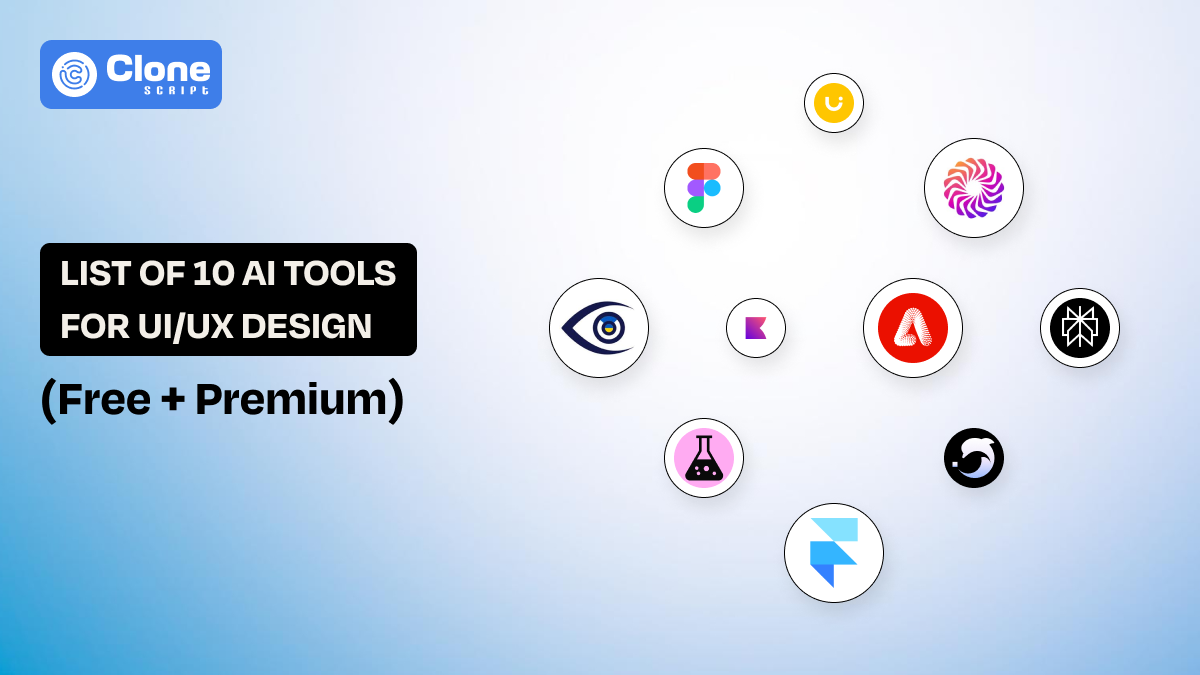
List of 9 Top AI Tools for UI/UX Design (Free + Premium)
Nowadays, website or mobile app user interface (UI) and user experience (UX) are not what they were 5 years ago. With the Artificial Intelligence (AI) tools help the work has been organized, efficient, and productive for every size of web products.
The question is which tool suits your requirement becomes a common debate across the team. Look, every AI tool for UI/UX has different functionality and subscription plans. This article will help you decide the best one to use for project design.
Why AI Is Important in the 2025 Design Workflow?
Web design workflows in 2025 look very different from even three years ago. Websites are no longer static pages. They’re systems. UI components must scale, adapt, and stay consistent across devices, products, and teams. This is where AI fits naturally.
Here’s why this technology matters now more than ever:
1. Speed Without Sacrificing Quality
Clients expect faster turnarounds, but still demand polished UX. With only human efforts, it becomes frustrating and time-consuming.
AI helps generate wireframes, layouts, and variations quickly, so designers can focus on refinement instead of starting from zero.
2. Better Support for Modular Web Design
Modern design is modular, usually made through reusable components, and saves time.
These components, including sections, designs, and patterns, are reused across pages. We know the React UI framework utilization for every type of web application.
Using the AI tools is helpful to generate component-based designs to work properly with modular systems. These tools understand layout logic, spacing rules, and hierarchy.
3. Smarter Decision-Making
Every UI designer faces the challenge: Does this icon suit to e-commerce website, or can using the warm color be identical to the food delivery startup app?
To make this decision, time will be needed, and teams have to discuss properly, even the client approval is required.
But can you reduce the guesswork in design with the AI-based UX analysis? Yes, it’s possible through data-backed insights on attention flow, readability, and usability before development even starts.
4. Reduced Cognitive Load
Web designers shouldn’t waste mental energy on repetitive micro-decisions. AI handles the predictable parts wisely and accurately. So, the product output they will get is what they want. On this side, humans do what they do best: creative problem-solving.
When these tools are used correctly, AI becomes an assistant, not the designer.
List of AI Tools for UI/UX Design You Must Try
A. All-in-One Design & Prototyping
-
Uizard
-
Figma AI
-
Galileo AI
B. UX Research & Analysis
-
Attention Insight
-
Perplexity AI
C. Visual Assets & Micro-Design
-
Adobe Firefly
-
Khroma
D. Specialized & Emerging Tools
-
Framer AI
-
Google Stitch
Here is an overview.
A. All-in-One Design & Prototyping Tools
These tools help designers move from idea to prototype faster, along with generating layouts, components, and creating full screens.
1. Uizard
Uizard is built for speed. There is no technical skill needed to access this tool. You can turn text prompts, sketches, or screenshots into functional wireframes in minutes.
For designers working on MVPs for an e-commerce website or validating ideas quickly for puzzle game app development, Uizard gives you the ability.
What makes it useful for UI/UX designers is its layout intelligence. The AI system understands that common UI patterns like navigation bars, cards, and forms work well with modular web design principles. For a professional look, you still need to refine the visual language, but the structural groundwork is solidly optimized.

Image source: Uizard
Best for: Rapid wireframing and early-stage concepts
Pricing: Free + paid plans
Use this tool for:
-
For product ideation
-
Offering demos to the client for approval
-
Internally discuss with the team
2. Figma AI
Figma has been the most used prototyping tool for designers for many years, and with the touch of an AI system, it sets new benchmarks.
Basically, Figma AI does not push to redesign the entire layout manually. From generating automated layouts to summarizing design files and suggesting component variations, it works properly.
For teams using design systems, Figma AI helps maintain consistency by intelligently reusing components instead of creating duplicates. It’s especially valuable for large-scale, modular web design projects where uniformity matters.

Image source: Figma
Best for: Enhancing existing workflows
Pricing: Included in Figma plans
Use this tool for:
-
E-commerce marketplace platform design
-
Fintech product prototype
-
Gaming platforms
3. Galileo AI
Turning the simple text into a production-ready UI design using tools can be possible through Galileo AI. This tool is optimized for visual hierarchy, spacing, and modern UI standards. Thinking Galileo AI, like other UI design generators, is an omission.
Designers use Galileo as an inspiration engine rather than a final solution. It’s great for exploring layout directions, hero sections, dashboards, or landing pages that can later be adapted into modular components.

Image source: Galileo AI
Best for: To generate high-quality UI from prompts with minimal effort
Pricing: Premium
Use this tool for:
-
To get a professional design inspiration in a minimal time.
-
Enterprise-grade product development with accuracy and less manual work.
-
Fast approval from clients through branding tone included.
B. UX Research & Analysis Tools
Just a UI is nothing important without understanding the user experience. That’s why UX research and analysis tools powered by AI help designers to make informed decisions.
4. Attention Insight
Attention Insight uses AI to simulate heatmaps and predict where users will look first. This is incredibly useful during early design stages, especially when testing landing pages or complex layouts. These layouts have higher chances for lead conversions, and if the design fails, the reputation is also gone in vanished.
Most web products are now being developed with a modular web design. So, to validate the reusable section for a good impression on different pages can be done with this tool.

Image source: Attention Insight
Best for: To predict user attention on the digital product for success.
Pricing: Paid
Use it when:
-
UX validation is required without running expensive user tests that take time to complete.
-
To maintain a consistent flow of product design, especially for an enterprise-grade business.
5. Perplexity AI
You can use ChatGPT for UX research, but Perplexity AI is also helpful. Designers use it to quickly understand user behavior, accessibility standards, and industry best practices with sources included.
So, if a designer is associated with an unfamiliar product design can easily learn what to prioritize for users' needs and what to completely ignore. This reduces overdependency on frequent collaboration and brings out creativity with the AI design system.

Image source: Perplexity AI
Best for: This tool is a good choice for UX research and content clarity with minimal effort.
Pricing: Free + premium
Use this tool for:
-
To get fast, reliable research on user behavior to support design decisions and reduce the chances of frequent customization.
C. Visual Assets & Micro-Design Tools
We know that only UI design and UX are not enough. To capitalize them, some other tools are needed, for example, visual asset generation. These tools focus on colors, icons, illustrations, and delightful details to make a web product interesting.
6. Adobe Firefly
Adobe Firefly allows designers to generate images, backgrounds, and illustrations that are safe for commercial use. Unlike generic image generators, Firefly integrates smoothly with Photoshop and Illustrator for professional visuals to have in your web design.
As customer experience changes frequently, this tool helps create scalable visual assets that can be reused across sections without breaking consistency.

Image source: Adobe
Best for: Professional-looking AI-generated visuals that look less generic.
Pricing: Included with Adobe plans
Use this tool for:
-
To get custom visuals to add to the website layout without relying on stock libraries for an outdated look.
7. Khroma
In website UI and UX design, color selection is an important aspect because if it is not opted correctly, even the best website or application will not be visited.
With the help of the Khroma tool, designers can generate custom color palettes that suit product preferences. It’s simple, but incredibly effective for maintaining visual harmony across UI components.
When the team is working on a complex web development project, they usually find issues with color misuse across sections. But this tool helps avoid that by keeping palettes intentional.

Image Source: Khroma
Best for: To generate a branded, secondary, and complementary color palette for designing.
Pricing: Free
Use this tool for:
-
To fulfill the requirement of a consistent and accessible color system to use in the development without paying a cost.
D. Specialized & Emerging Tools
AI-powered prototyping, wireframing, and visual assets generation tools are good, but some of them are newly introduced. These tools are pushing boundaries in how AI supports UI/UX.
8. Framer AI
Most of the websites are hosted on Framer, a CMS and web development platform. Framer AI allows designers to generate responsive websites from prompts and with real, editable components. This makes it especially useful for designers who want design-to-development continuity.
The component-based approach in Framer AI fits perfectly with modular web design. This allows designers to reuse sections while maintaining flexibility.

Image source: Framer
Best for: Getting the AI-powered websites ready with real design, code, and functionality.
Pricing: Free + paid
Use this tool for:
-
To get a fast, production-ready website without being involved in the design, code, and testing. Everything is maintained in this no-code website builder tool.
9. Google Stitch
Google Stitch is an AI-powered UI and layout generation tool designed to help designers and product teams move faster from idea to interface. Stitch focuses on generating clean, structured UI screens from simple text prompts while following material design logic and accessibility best practices. Unlike traditional website builders, Stitch is more about interface composition than full website deployment with early-stage design and prototyping workflows.
The tool produces editable layouts that can be refined further inside design systems or handed off to developers. Because Stitch follows a component-first structure, it aligns well with scalable product design, where consistency and reusability matter more than visual experimentation.

Image source: Stitch
Best for: Creating AI-generated UI screens and layouts that follow design system rules and are ready for iteration or developer handoff.
Pricing: Free (early access / experimental)
Use this tool for:
-
Rapidly turning product ideas into structured UI screens without starting from a blank canvas.
-
Stitch works well when you need logical layouts, accessibility-aware components, and a fast path from concept to usable interface—especially for web and app products that rely on consistent design patterns.
Using which type of AI tools for UI design and UX tasks for web development depends on what the priorities of your project are. For example, faster prototyping can be done with Figma AI, and no-code development with Framer AI.
How to Use AI Tools Without Losing Your “Design Consistency?”
This is the biggest fear designers have, and rightly so. When AI tools are used without control, they can quickly create visual inconsistency across pages and components.
-
Define Your Design System First.
Before using any AI tool, establish clear rules for typography, colors, spacing, grids, and components. AI performs best when it follows fixed constraints instead of creating random styles. Do not try to give it short or too long information.
-
Use AI for Structure, Not Style.
Let AI assist with layouts, wireframes, and content flow. Always apply your brand’s visual language, UI patterns, and styling manually to maintain consistency. This increases the chances of making the product a branded one.
-
Treat AI as a Junior Designer.
Review every AI output carefully. Adjust spacing, hierarchy, and alignment. AI suggestions should guide ideas, not make final decisions. So, depending totally on these tools will add more frustration to the overall design.
-
Keep Modular Thinking Central
Convert AI-generated designs into reusable components. This ensures scalability, clarity, and long-term design consistency across projects. Even if you prefer front-end development with UI frameworks, these components help you to have the appropriate product.
Conclusion
AI tools for UI/UX design are practical, accessible, and deeply integrated into real workflows. But the best designers aren’t the ones who let AI design for them. They’re the ones who know where to use it and where not to.
So the fact is that the future of UI/UX isn’t human vs AI.
It’s human with AI: designing smarter, faster, and more intentionally than ever before with a modern way.