BTC - Bitcoin
 USDTERC20 - USDT ERC20
 ETH - Ethereum
 BNB - Binance
 BCH - Bitcoin Cash
 DOGE - Dogecoin
 TRX - TRON
 USDTTRC20 - USD TRC20
 LTC - LiteCoin

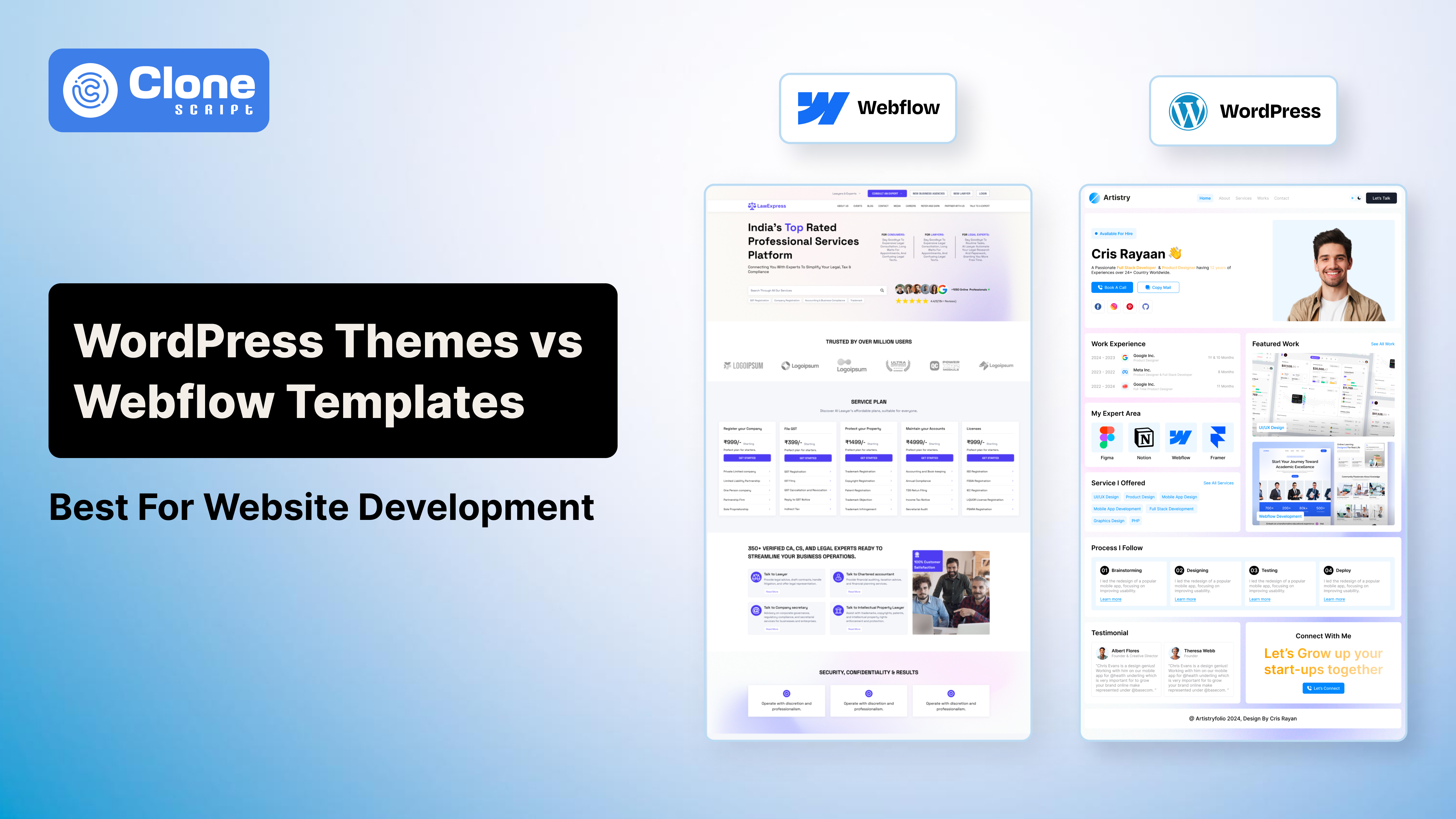
WordPress Themes vs Webflow Templates: Best for Website Development
Most businesses choose a website platform, even for e-commerce, content management, etc., based on design demos, pricing pages, or YouTube reviews.
That’s usually a mistake.
The real difference between WordPress themes and Webflow templates only becomes obvious after launch, when you start dealing with:
-
Slow page speed
-
SEO limitations
-
Plugin conflicts
-
Maintenance issues
-
Scaling problems
A website that looks great on day one can become difficult to manage six months later.
That’s why the “WordPress vs Webflow” debate matters more in 2026 than it did a few years ago.
Today, websites directly influence:
-
Google rankings
-
Core Web Vitals
-
AI search visibility
-
Conversion rates
-
Mobile UX
-
Brand trust
And while both WordPress and Webflow can build modern websites, they’re built for different types of businesses.
In this guide, you’ll learn:
-
How WordPress themes and Webflow templates work
-
Which platform performs better for SEO
-
The real maintenance costs
-
Where each platform struggles
-
Which option is better for your business goals
Let’s start with the basics.
How WordPress Themes Become Useful in Web Development?
A WordPress theme controls the design and layout of a WordPress website.
Think of it as the visual framework of your site.
Themes define:
-
What kind of typography can be used
-
The type of colors that exist on the website
-
How the page layouts interact
-
The navigation is optimized
-
The blog styling manages the standards
-
A responsive behavior is required
One reason WordPress dominates the CMS market is flexibility.
You can customize almost everything using plugins, page builders, APIs, custom code, and third-party integrations.
That flexibility makes WordPress useful for:
-
Blogs
-
SaaS websites
-
Marketplaces
-
Enterprise websites
For example, you can install the following WordPress plugins:
-
WooCommerce for eCommerce
-
Yoast SEO for optimization
-
Elementor for drag-and-drop design
-
Membership plugins
-
Multilingual systems
The ecosystem is massive.
But there’s a catch.
The more plugins and layered tools you add, the more complex the website becomes.
That creates slower performance, plugin conflicts, security vulnerabilities, and higher maintenance costs.
This is why many WordPress websites feel fast initially but gradually slow down over time.
Why Webflow Templates Become Important for Startups?
Webflow templates are pre-designed layouts built for the Webflow visual development platform.
Unlike WordPress, Webflow combines hosting, CMS, design tools, deployment, and optimization inside a single ecosystem.
That changes the workflow completely.
Instead of relying heavily on plugins, Webflow handles many functions natively.
This makes the platform attractive for:
-
Startups
-
Agencies
-
SaaS brands
-
Portfolio websites
-
Design-focused businesses
One major reason businesses move to Webflow is cleaner front-end development code.
Most Webflow websites are lighter because the platform avoids unnecessary plugin dependencies.
That usually improves page speed, mobile responsiveness, Core Web Vitals, and overall UX.
Webflow also simplifies maintenance.
You don’t need to manage constantly:
-
Plugin updates
-
Hosting configuration
-
Security patches
But Webflow is not perfect either.
Its back-end flexibility is still more limited than WordPress.
WordPress Themes vs Webflow Templates: 4 Differences for You
Before choosing a theme built on WordPress or a pre-designed Webflow template, consider what sets them apart:
-
Design Flexibility
This is where Webflow stands out immediately.
Webflow gives designers near pixel-level control over layouts and interactions.
You can visually customize it without depending heavily on developers:
-
Grids
-
Animations
-
Transitions
-
Spacing
-
Breakpoints
-
Responsive behavior
That’s why many startups and agencies prefer Webflow for branding-heavy projects.
Modern SaaS companies especially care about visual polish because design affects conversion rates.
WordPress themes can also be highly customizable, but flexibility depends on:
-
Theme quality
-
Plugin compatibility
-
Developer experience
Some WordPress website themes become restrictive quickly unless custom code is added.
Verdict: If design freedom matters most, Webflow usually wins.
-
Ease of Customization
WordPress has one huge advantage: plugins. WordPress has thousands of plugins that fulfill your requirements for web development.
-
Need advanced SEO? Install a plugin.
-
Need memberships? Install a plugin.
-
Need multilingual support? Install a plugin.
This plugin ecosystem is one reason WordPress remains incredibly popular.
But plugin-heavy websites often become harder to maintain.
Businesses commonly face these issues:
-
Broken updates
-
Compatibility issues
-
Slower performance
-
Unexpected bugs
Webflow takes a different approach here.
Instead of relying on dozens of third-party tools, many features are integrated directly into the platform.
For non-technical users, this feels cleaner and easier.
Still, WordPress offers deeper back-end flexibility overall.
Verdict: WordPress wins for advanced customization.
-
Website Development Speed
Businesses launching websites quickly often prefer Webflow.
Why?
Because Webflow reduces setup complexity.
Hosting, deployment, and visual editing are already integrated.
That means teams can build a website faster, test it, and launch.
This is especially useful for:
-
Startup landing pages
-
MVP websites
-
Marketing campaigns
-
Temporary microsites
WordPress development timelines vary much more.
A simple site can launch quickly, but complex WordPress projects often require:
-
Hosting optimization
-
Plugin configuration
-
Theme adjustments
-
Security setup
That adds development overhead.
Verdict: Webflow usually enables faster launches.
-
Performance and Website Speed
Website speed directly impacts SEO rankings, bounce rate, mobile engagement, and conversions.
And Google continues prioritizing Core Web Vitals in search evaluation. Even in AI overviews and AI mode kind of search experience, these metrics are prioritized for ranking.
This is where Webflow often performs better out of the box.
Why Webflow Websites Are Usually Faster
Webflow generates relatively clean front-end code.
The platform also includes, by default:
-
CDN infrastructure
-
Caching
-
Image optimization
-
Responsive rendering
That reduces the technical work needed after launch.
Many Webflow sites perform well immediately without heavy optimization.
Why Some WordPress Websites Become Slow
WordPress itself isn’t slow.
The problem is usually the stack built around it.
Performance issues often come from:
-
Bloated themes
-
Heavy page builders
-
Unnecessary plugins
-
Poor hosting
-
Unoptimized scripts
Over time, many WordPress websites accumulate technical debt.
A site that started lightweight can eventually struggle with:
-
Render-blocking JavaScript
-
Excessive database requests
-
Large CSS files
That said, properly optimized WordPress websites can still achieve excellent speed scores.
The difference is that optimization requires more technical effort.
Verdict: Webflow wins for built-in performance.
Need SEO Ability, then Who Wins: WordPress or Webflow?
Both platforms support strong SEO strategies.
But they approach SEO differently.
-
For Content SEO, WordPress Strengths.
WordPress remains one of the best platforms for content-driven SEO.
Its biggest strength is scalability.
Plugins like Yoast SEO, Rank Math, and All in One SEO allow deep control over:
-
Metadata
-
Schema markup
-
Redirects
-
XML sitemaps
-
Canonical tags
-
Internal linking
This is especially valuable for publishers, blogs, SaaS content hubs, and affiliate websites.
WordPress also handles large publishing workflows extremely well.
That’s one reason many high-traffic content sites still use WordPress.
-
Webflow SEO Strengths in Technical Matchup.
Webflow focuses more on technical cleanliness.
The platform generates semantic HTML, lightweight pages, and responsive structures.
This often improves:
-
Mobile usability
-
Page experience
-
Loading speed
Webflow also simplifies basic SEO management visually, which helps non-technical teams.
For many small and mid-sized business websites, that’s enough.
Which Platform Is Better for SEO?
There’s no universal answer do WordPress site perform well, or a Webflow get the website SEO optimization correctly?
Choose WordPress if:
-
Content marketing drives your traffic
-
You publish heavily
-
You need advanced SEO workflows
-
You want deeper technical control
Choose Webflow if:
-
Performance matters most
-
You prioritize UX and design
-
Your website is conversion-focused
-
You want lower maintenance SEO
In 2026 and beyond, SEO success depends less on “optimization hacks” and more on:
-
Useful content
-
Site speed
-
User experience
-
Topical authority
That’s why platform choice alone won’t guarantee rankings in Gemini, ChatGPT, Claude, or Perplexity AI Search.
WordPress and Webflow Cost Comparison
The cost is an important factor in deciding whether WordPress can be a good choice or if Webflow is the correct option.
-
Initial Costs
WordPress usually looks cheaper at the beginning.
A basic WordPress website can start at around:
-
$3–$15/month for shared hosting
-
$0–$70 for a premium theme
-
$0–$200/year for plugins
For example, many businesses use:
-
Bluehost or Hostinger hosting plans starting at $3–$10/month
-
Premium themes from ThemeForest are priced around $59–$89
-
SEO plugins like Rank Math or Yoast Premium cost $79–$99/year
At first, this seems affordable.
But costs rise quickly once businesses need:
-
Premium page builders ($59–$199/year)
-
Advanced security tools ($50–$300/year)
-
Speed optimization plugins ($49–$200/year)
-
Developer support ($25–$150/hour)
A professionally optimized WordPress business website costs between $500 and $5,000+, depending on customization requirements.
Webflow has a different pricing structure.
Its pricing includes:
-
Hosting
-
CMS functionality
-
SSL security
-
CDN infrastructure
-
Performance optimization
Webflow’s CMS plans currently start around:
-
$23/month for CMS websites
-
$39/month for business plans
-
Enterprise pricing for larger projects
Premium Webflow templates usually cost between:
-
$49–$129 one-time
This makes Webflow more expensive initially for smaller businesses.
However, the pricing is more predictable because most infrastructure costs are already included.
-
Long-Term Maintenance Costs
This is where the difference becomes much more noticeable.
WordPress websites require continuous maintenance because the ecosystem depends heavily on plugins and third-party integrations.
A typical WordPress website may require:
-
Plugin updates every week
-
Regular backups
-
Malware monitoring
-
Hosting optimization
-
Compatibility testing after updates
According to several WordPress maintenance agencies, businesses commonly spend:
-
$50–$300/month on maintenance services
-
$500–$2,000/year on ongoing optimization and security
For larger websites, maintenance costs can increase significantly if:
-
Plugins break
-
Themes become outdated
-
PHP versions change
-
Security vulnerabilities appear
This is especially common with plugin-heavy websites.
Webflow reduces much of this overhead because the platform controls hosting, updates, security infrastructure, and performance optimization.
Businesses rarely need separate:
-
Caching plugins
-
Security plugins
-
Backup systems
-
CDN services
For many companies, this lowers technical management costs substantially.
That’s one reason agencies increasingly recommend Webflow for:
-
Startup websites
-
Landing pages
-
SaaS marketing websites
-
Low-maintenance business websites
Verdict
WordPress can be cheaper initially, especially for small websites.
But over 2–3 years, maintenance and optimization costs often make WordPress more expensive than businesses expect.
Webflow usually costs more upfront, but its centralized infrastructure helps reduce:
-
Maintenance overhead
-
Technical troubleshooting
-
Long-term management costs
For businesses prioritizing simplicity and predictable expenses, Webflow becomes the more cost-efficient option long term.
Conclusion
The WordPress vs Webflow decision is really about priorities.
Choose WordPress if you need:
-
Advanced customization
-
Deep SEO scalability
-
Enterprise-level flexibility
-
Large publishing operations
Choose Webflow if you want:
-
Modern design
-
Fast deployments
-
Lower maintenance
-
Strong built-in performance
The important thing is this:
In 2026, websites will no longer be judged only by design.
They’re judged by speed, usability, SEO performance, AI search visibility, and conversion efficiency.
The best platform is the one that supports growth without creating technical issues later.